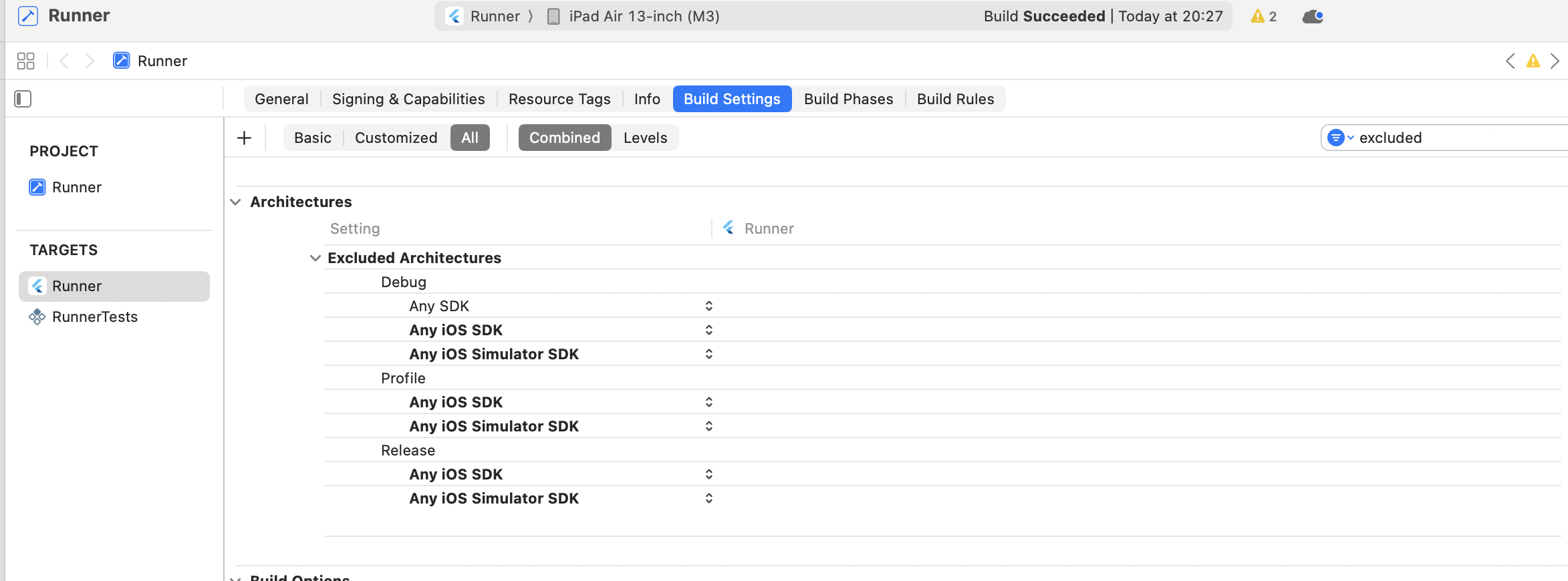
Hi,
I’m encountering an issue when trying to run my Flutter app on the iOS simulator. The app builds successfully but fails to launch with the following error:
Failed to build iOS app
Uncategorized (Xcode): Unable to find a destination matching the provided destination specifier:
        { id:6925F2DD-5E44-49DD-AB7A-E11C69EFADFD }

Available destinations for the "Runner" scheme:
        { platform:macOS, arch:arm64, variant:Designed for [iPad,iPhone], id:00008132-001408142163801C, name:My Mac }
        { platform:iOS, arch:arm64, id:00008130-000459360C42001C, name:iPhone de Leandro }
        { platform:iOS, id:dvtdevice-DVTiPhonePlaceholder-iphoneos:placeholder, name:Any iOS Device }
        { platform:iOS Simulator, id:dvtdevice-DVTiOSDeviceSimulatorPlaceholder-iphonesimulator:placeholder, name:Any iOS Simulator Device }
Could not build the application for the simulator.
Error launching application on iPhone Air. Environment:
- macOS 25.0.0
- Flutter (latest stable)
- Xcode with iOS Simulator
The issue happens no matter which emulated device is used.