This feels like something that was probably covered elsewhere already, but my search-fu is clearly not strong enough.
With Flutter’s hot reload, it would often be very helpful to be able to drag at a number in code, in my IDE, and change it gradually. This concept of changing code constants through UI interactions is quite common in “notebook” IDEs (like Jupyter Notebook and others) but it’s perhaps best know from Bret Victor’s now-classic Inventing on Principle tech demo.

I was sure this is something that would be a single plugin away for IntelliJ and VS Code, but it seems it’s not.
What problem does this solve?
- I often find myself trying to find the right constant (radius, fractional width, padding, you name it) by experimentation.
- Modifying digits and then saving is great, but it lacks the immediacy of a slider.
- It’s really annoying especially around
0and9. For example, if I have a constant like1.0, I often want to see it adjusted a bit up (1.1) and a bit down (0.9). The second adjustment is a pain in the ass, especially when you’re doing it the fifth time in a row because you can’t decide which value is better.
For now, I’ve created a tool that I can call from my IDE, number_adjust. It adjusts the digit under cursor while being cognizant of the number.
Here is is in practice. I have it on Cmd-Opt-Shift-↑ and Cmd-Opt-Shift-↓.
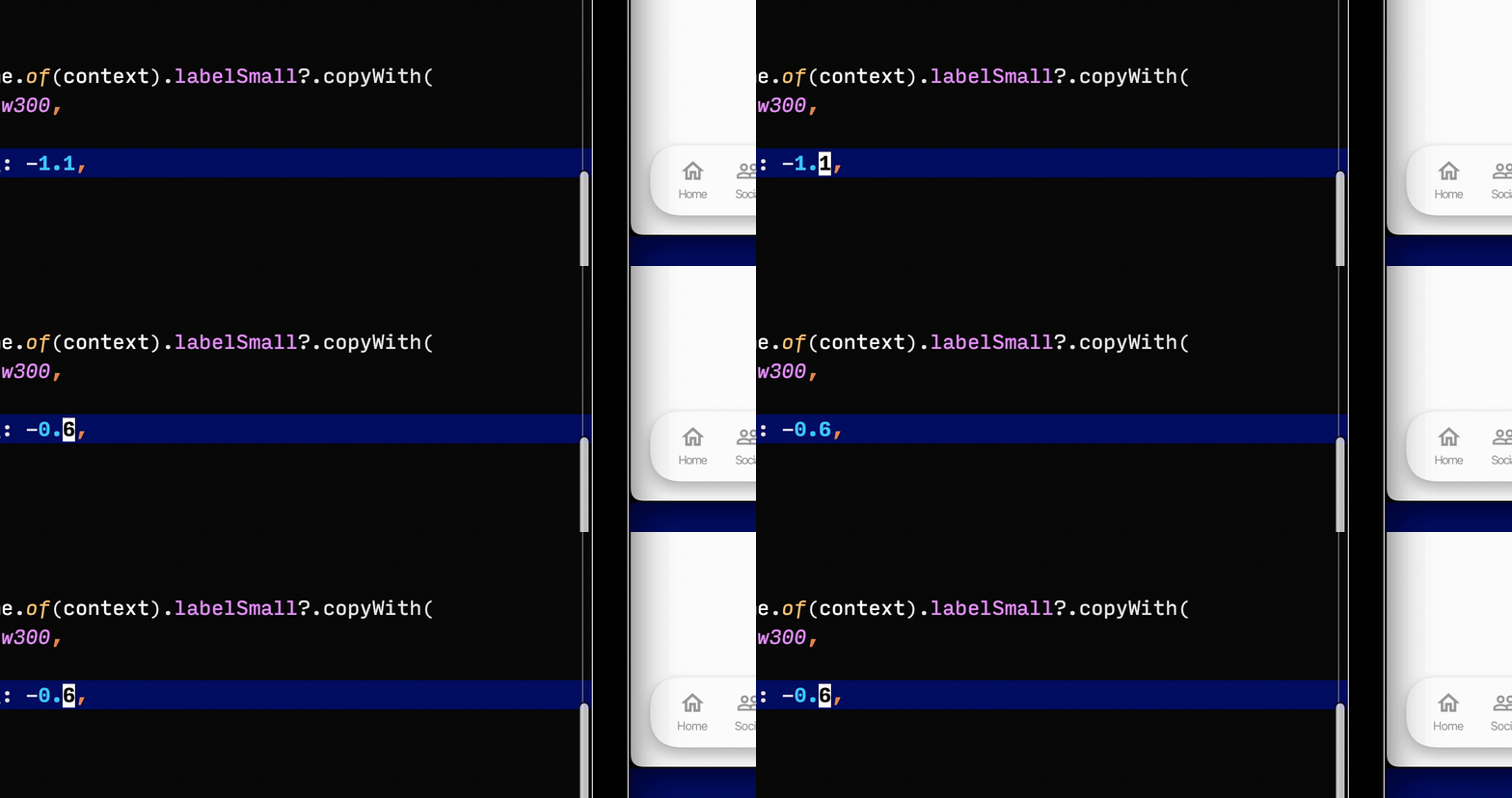
But it’s still miles away from a slider.
I’m too lazy to implement a true IntelliJ extension but I’d be the first to install it if I found it (from a reasonably reputable source, of course).