Hi everyone! I’m Karthik. I mostly work with Java, and I recently released my first independent app using Flutter.
It’s called Personal Planner, and it runs on Linux, Windows, macOS and Android.
The reason I built it is probably familiar: I’d give a task 30 minutes, spend an hour on it, then make tomorrow’s plan with the same estimate.
I wanted to keep a useful record of that difference.
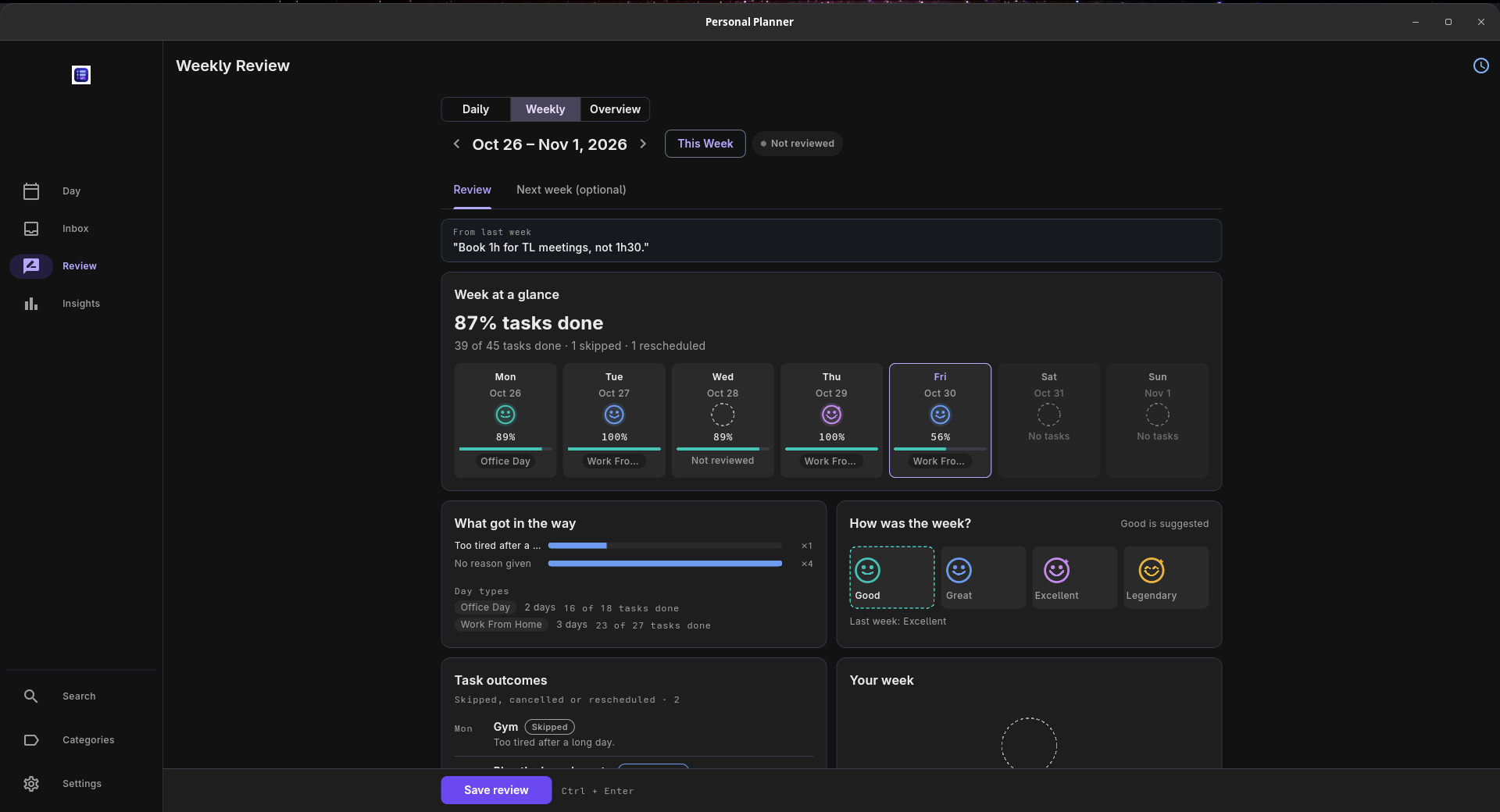
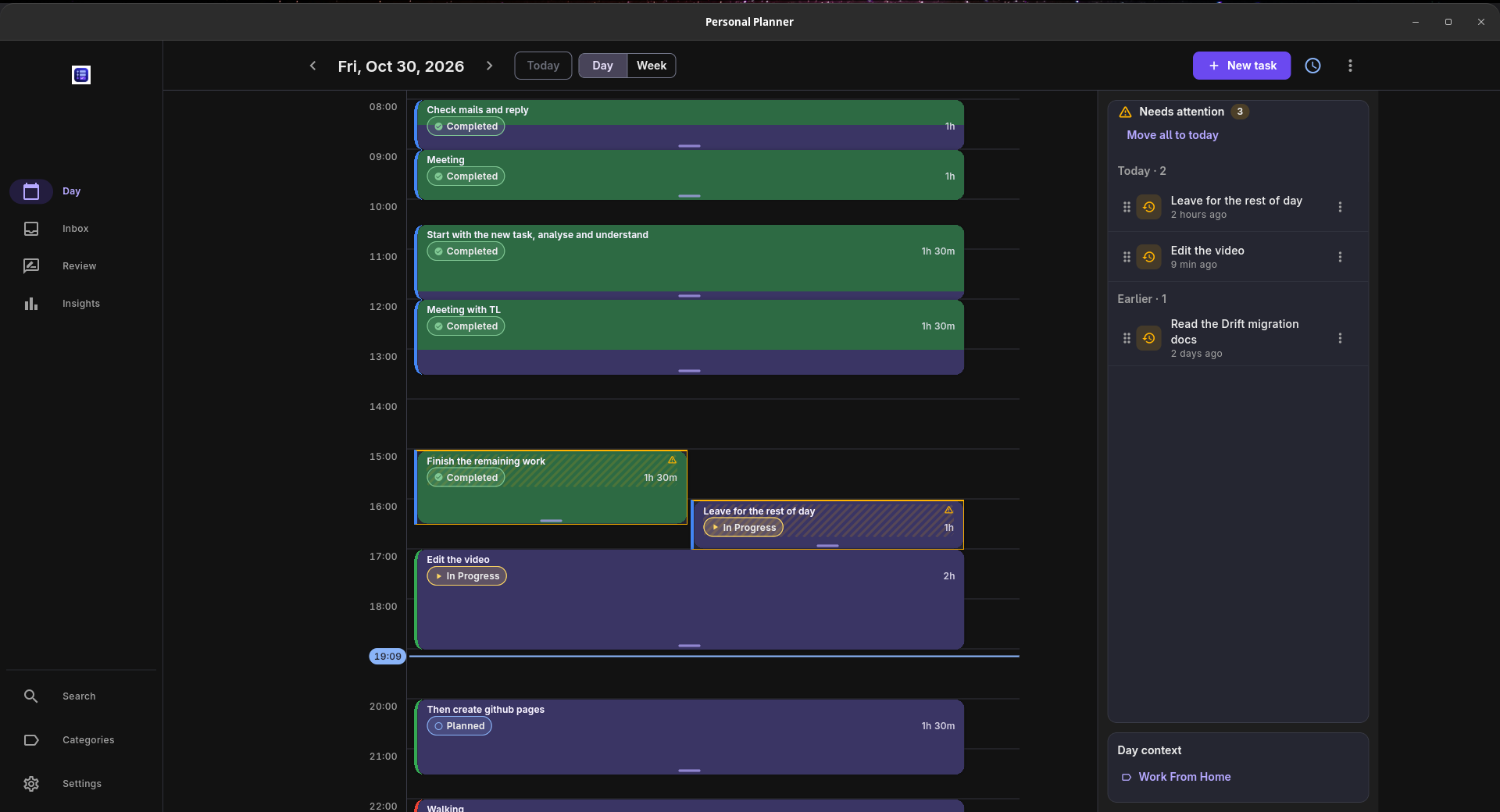
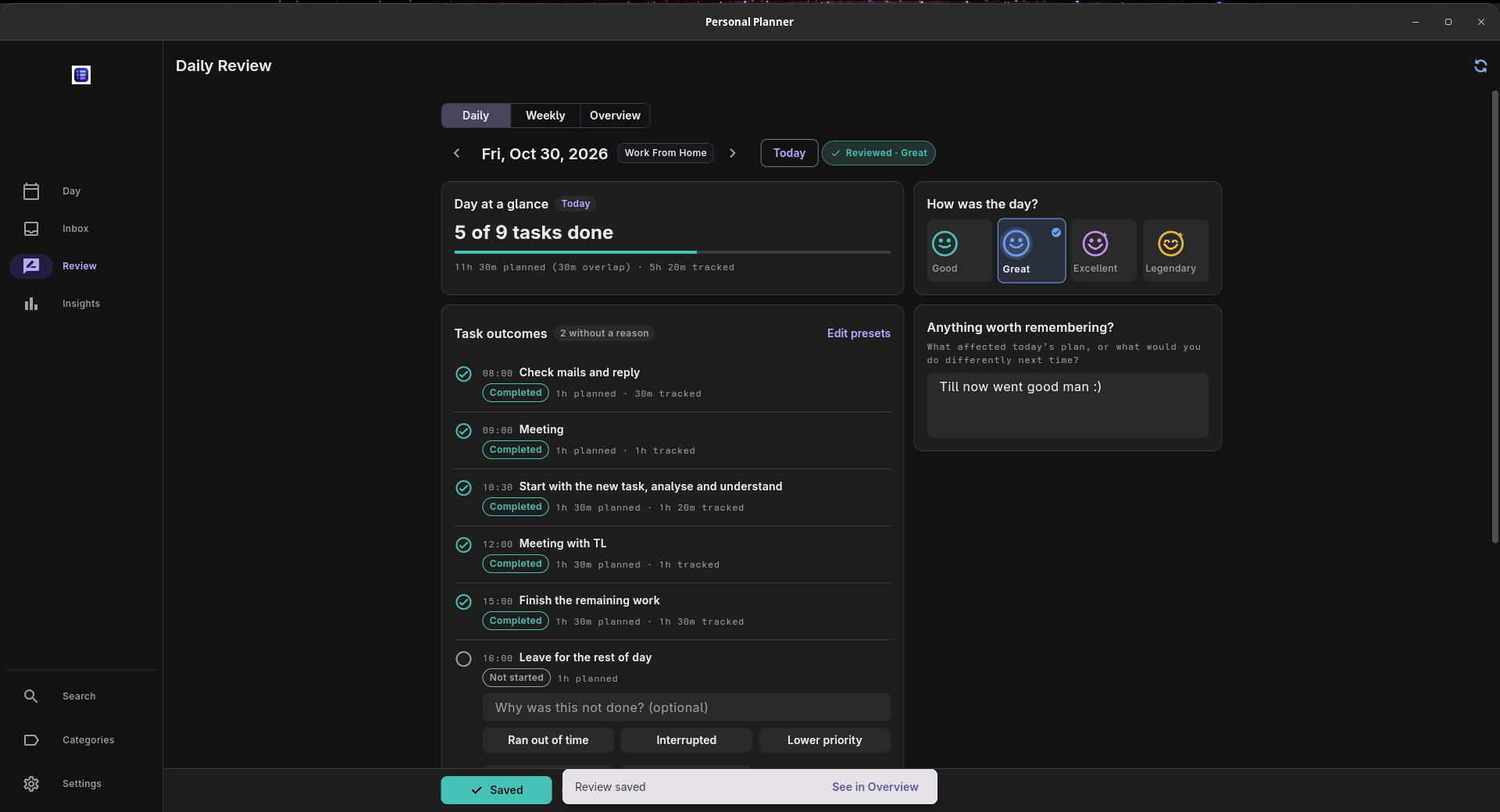
The workflow is straightforward: put tasks on a daily or weekly timeline, run a timer while working, then compare planned and actual time. Daily and weekly reviews bring the tasks and tracked time together, with space to write down what happened.
A little about the implementation
The app uses Riverpod with Drift/SQLite for local storage.
One distinction in the data model is keeping the scheduled task separate from its timer sessions. The calendar block represents the plan; timer sessions record the work. That matters when you pause a task, return to it later, or work longer than the original slot.
The timeline watches repository streams through Riverpod, so the widgets don’t handle database queries directly.
Local use works offline without an account. Optional cross-device sync uses the user’s own Supabase project and requires setup and sign-in.
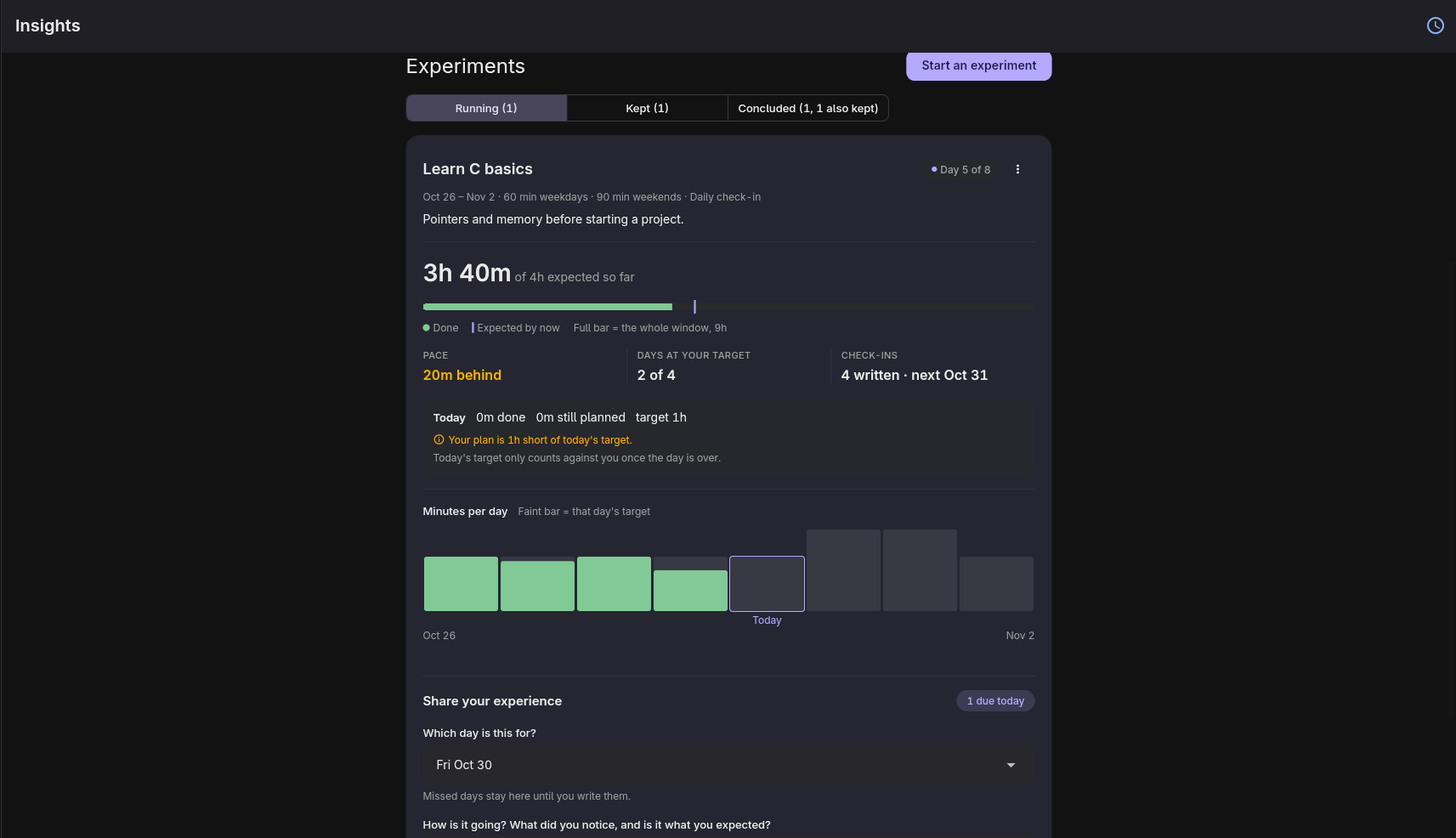
There’s also an inbox, recurring tasks, templates, activity heatmaps and Experiments for tracking routines over a chosen period.
Demo and screenshots:
https://karthikshabari.github.io/PersonalPlanner/
Source and downloads:
https://github.com/Karthikshabari/PersonalPlanner
The app is free and MIT-licensed.
I’d appreciate feedback from people building Flutter desktop apps, especially on the timeline interaction and how it feels to move between planning, tracking and reviewing.
If you try it, where does the workflow feel awkward or ask for more effort than it should?